You want a social image your business can use, but the right connection depends on who needs to edit it and what else the post needs. Choose Canva if you want a design with editable text and brand fields. Choose a model tool like fal if you already have the message and need a new picture. Choose a finished-post connection like Boomp if you want the caption and image together from business facts on your public site.
A real example
This post was published through the Boomp publishing app from a paying listing agent's own website. The agent works on the West Michigan lakeshore and is shown without her name. The caption explains a distinction the image alone could not show.
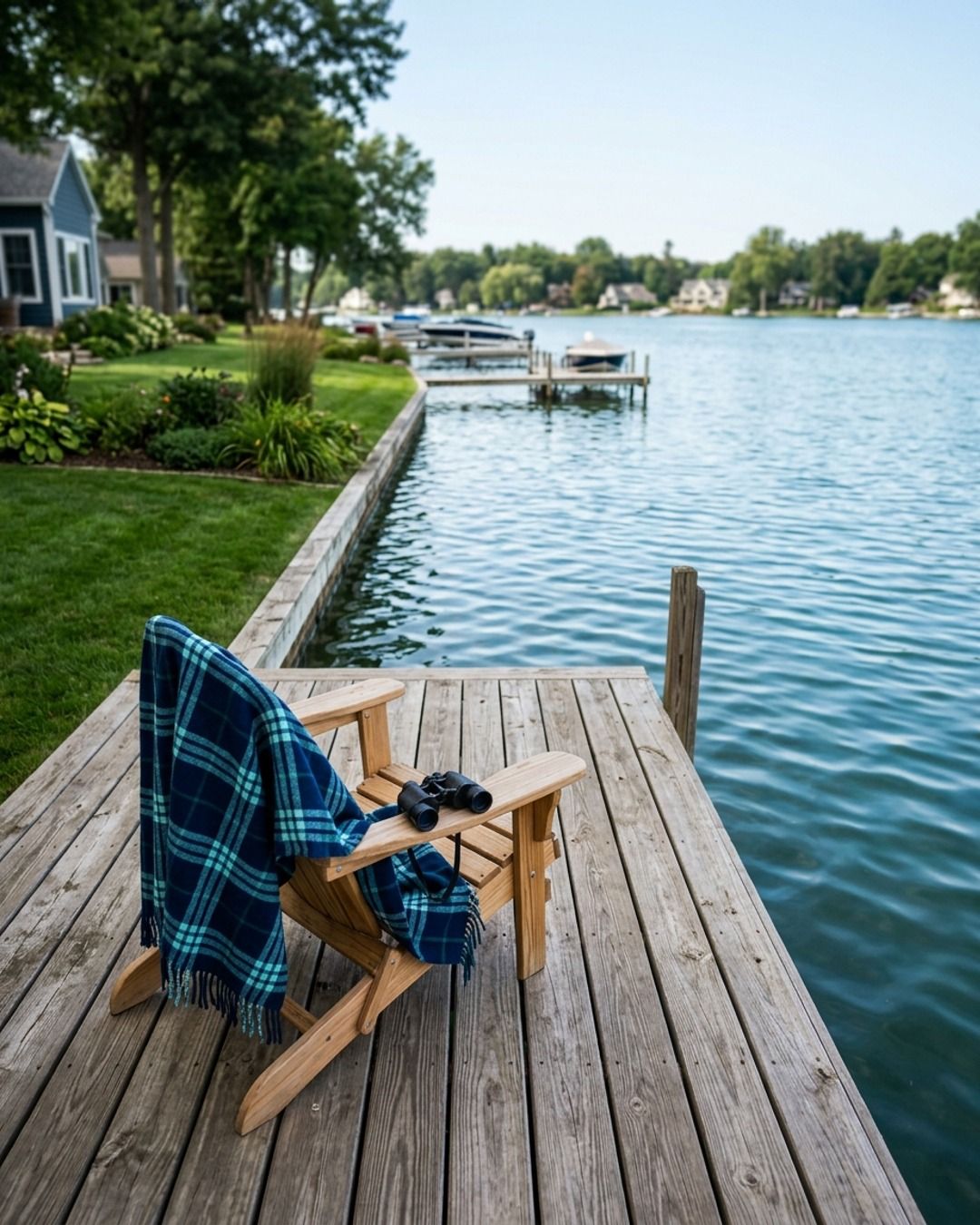
In Saugatuck, lakefront and waterfront are not the same thing.
The difference is worth hundreds of thousands of dollars, so you have to know which one you’re actually looking at.
Lakefront means the property line hits the water.
You own the frontage and you can stand on the shoreline.
Waterfront is a much looser term.
Depending on who wrote the listing, a home with a distant lake view, deeded access, or shared frontage three houses down can all be labeled waterfront.
Before you fall for a photo, check the survey.
You need to know exactly how many feet of shoreline come with the property, if that access is private or shared, and what the easements look like.
Those details dictate what you can actually do with the land and how it will appreciate over time.
A view and frontage are two very different assets.
The price should reflect what you’re actually getting, not just what the description says.
If you’re looking at a listing and the language feels vague, send it over.
I’ll help you pull the survey and see what’s actually on the deed.
Choose the file you need
| You need | What to check | Work that stays with you |
|---|---|---|
| A layout your team can update | Canva's Brand Template tool can fill a supported template with provided field values and return a design to edit. | Set the template, supply the approved content and check the layout. |
| A new image from a brief or reference | fal MCP provides access to media models. Check the model's input rules and pricing. | Choose the source image, verify rights and decide which output to use. |
| A caption and image that carry the same idea | Boomp's agent docs describe a caption, one branded JPEG and a receipt. | Check the business facts, the image and how the post will reach its destination. |
These are different kinds of work, and the table gives a pick for each. We read the vendor sources on November 20, 2026. We did not test images across vendors for this page.
Give the tool facts it can use again
Pick one service or product you can describe in a sentence. Write down what must remain true in the image, such as a product's color, the shape of a part or the layout of a place. Add a logo or a public photo only if you have permission to use it. A pattern you like can guide a design. A photo of an actual product carries facts that a generated image can change.
If your team repeats a layout, keep the title and image in editable fields. A person can replace the date or price next month without making the whole design again. Check the editable design before you share the exported file. If you only need a picture for a finished caption, choose the model that accepts the references you have and returns the format you can use. Check its billed unit before asking for several versions.
Pass one image through the real handoff
- Write down the destination and intended crop before you ask for the image.
- Open the result at phone size. Check the small text, the edges of the picture and the area around the logo.
- Compare the picture against the product, place or service it represents. Use a real photo if a generated illustration could confuse a buyer.
- Read the complete caption against the image. Make sure they describe the same offer, date or business fact.
- Save the approved version and give it to the person or tool that will publish it. If someone changes the caption or image, look at the whole post again.
If a teammate needs to make updates, check that they can open the source design before you choose a tool. If you only have a finished file, keep the approved source facts and the caption with it. For the review step, use the social media approval guide.
When the image and caption both need to be made
Boomp is software that reads your public website and can prepare the caption and visual from those facts. The agent docs describe one 1080 by 1350 JPEG with the caption and a receipt. Their approved text publishing workflow is separate. Check the documented channel and format before relying on it. If you need an editable layout, pick a design tool such as Canva. If your brand uses product photography or regulated images, use assets you can verify and keep the final decision with the person who owns the policy.
Frequently asked questions
What is the best MCP tool for branded social media images?
Choose by the file you need. Use a design connection for an editable layout, a media model connection for a generated image, or a post tool if you need the image and caption together from your website. Check the output at the size and crop where people will see it.
Can Canva MCP fill in a brand template?
Canva documents a tool that fills a Brand Template with the data it expects and returns an editable design in Canva. Check plan eligibility and access to the template. Decide who supplies the text and image fields. Review the result in Canva before you export it.
Can fal MCP use a reference image?
fal documents different inputs for different models, and some support an image reference. Check the model's input list and price before approving a run. Use an image your business has permission to share. Inspect the output for changes to the product or other details people will rely on.
What does Boomp's agent return for a branded post?
The agent docs read November 20, 2026 describe one caption and a branded 1080 by 1350 JPEG from saved business facts. The job returns the files and a receipt. Review the wording and picture together before you use the files. The docs also describe a separate approved text publishing route.
Can I change the text after an image is made?
Ask for an editable design when someone needs to change the wording or move elements later. A JPEG or PNG is a finished image. It can be cropped, but it does not give the reviewer the original text and layout controls. Keep any critical claim in the caption too.
What should I check before I use an image on social media?
Check the product and place against the source, confirm rights to photos and logos, and preview the result in the intended crop. Make sure important text can be read on a phone. Check the final caption and image together and give the approved pair to the person who publishes it.
Your next step
See how to connect your agent if you need a finished caption and image in your workflow.
Get ten free posts from your website to see complete posts from your own material. Enter a website and email to get a link to the images, carousel and short video. No account or card required.