Venture Café Phoenix

Software that turns your website into social posts in your voice, captions and visuals included. Publishing plans handle scheduling and posting too.
Add your website, then your email. No account or card.

Our founder has been featured in
What boomp.net makes



Website previews for a video content agency, a children's book publisher and a travel planner.
Your services, your advice, your point of view. Turned into finished captions and images from your website.
See real posts
Image from a pet photographer's website preview.
Put your own photos to work, or get fresh images made for your posts and your brand.
See more imagesVideo made for Daily Bolt, our events brand.
Share a useful idea as a short video. Words on screen and a finished caption, ready for Reels, TikTok and YouTube Shorts.
See more videos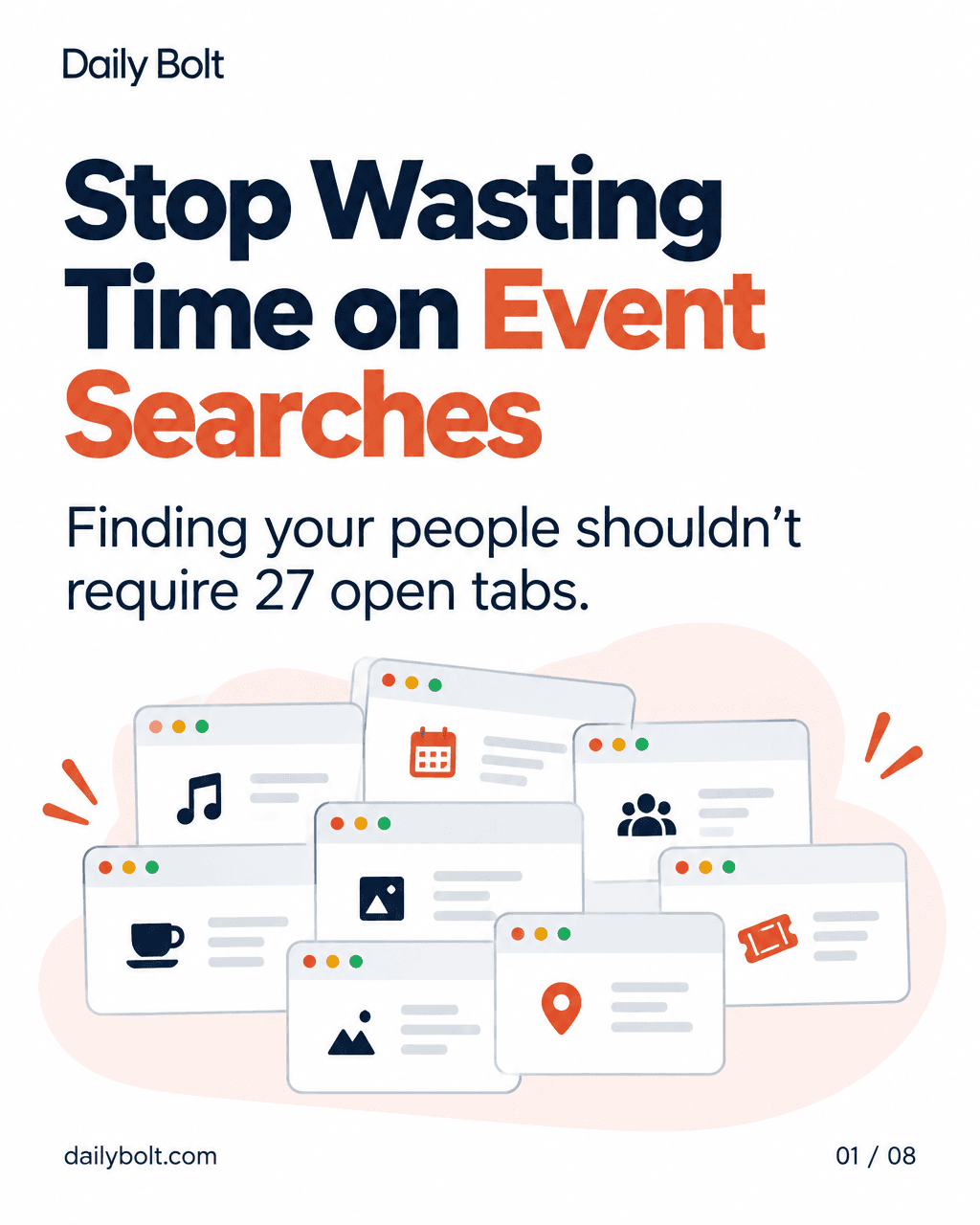
Eight slides from Daily Bolt, our events brand. Made and published through boomp.net.
Turn a useful idea into slides people can swipe through. The design and caption are already done.
See more carousels1,000+
Posts published through boomp.net
Verified .
From our customers
Courtney Coaches WellnessWellness coaching
“The captions are so good, and they keep getting better every month. They’re the kind of captions I would write if I thought more about content.”
Your Tax Partners USTax services
“set it and forget it”
Customer story

Views of posts published June–September 2026.
A community we publish for
The community meets.
The posts go out.
While Venture Café Phoenix brings the community together, boomp.net keeps its Instagram and LinkedIn feeds active with event updates and community stories. The chart shows recorded views of those posts.
Both months used boomp.net. Views include repeat displays.
103posts published
over six weeks
Posts from Sep 1–Oct 12, 2026.
Checked .
The chart shows reported Instagram and LinkedIn views for posts published in each month, June through September 2026. These are the saved totals for those posts, checked October 13. Views count times a post was shown, including repeat views. They do not count unique people or views received only during that month. One July post has no saved analytics. The 19% compares September’s posts with June’s. Both months used boomp.net.
The six-week total counts 103 posts published September 1 through October 12, 2026, in UTC. Each post is counted once. Those posts were shown 41,936 times.
The writing
Share your expertise in words you would use with a customer. Publishing plans can send posts to your LinkedIn profile or company Page.
What if "letting it go" is just people-pleasing wearing a spiritual outfit?

Customer photo + caption · Sep 2, 2026
Does your voicemail give you the job details, or just a name and number?

Website preview · Oct 13, 2026
How do you know if your next technology investment will actually make your work easier?

Website preview · Oct 6, 2026
Are your staff disagreeing about the work—or interpreting the same message differently?

Website preview · Oct 12, 2026
Worried reselling posts means writing them from scratch?
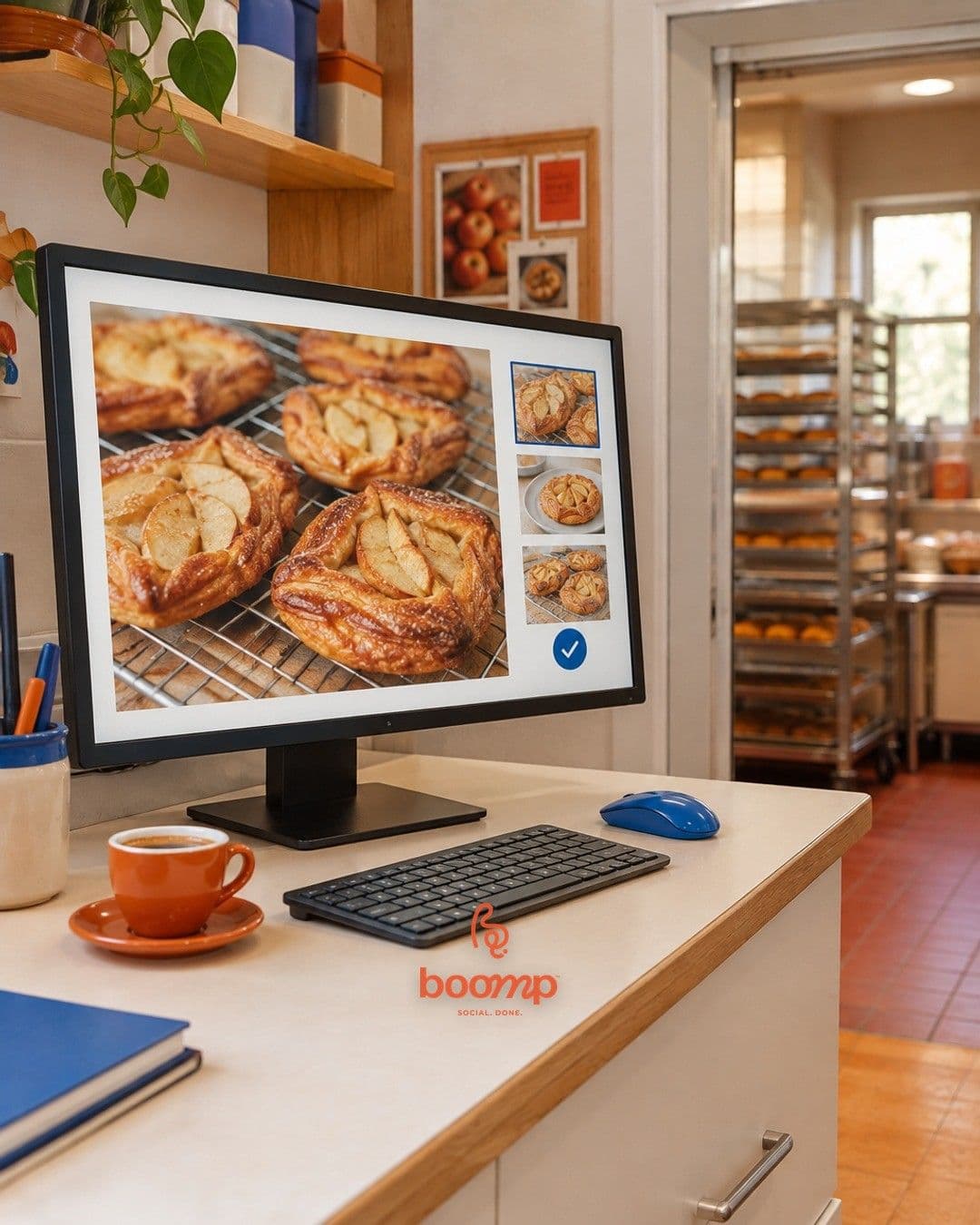
Our own channel · Oct 12, 2026
Are you spending more time chasing estimate approvals than writing the estimates?
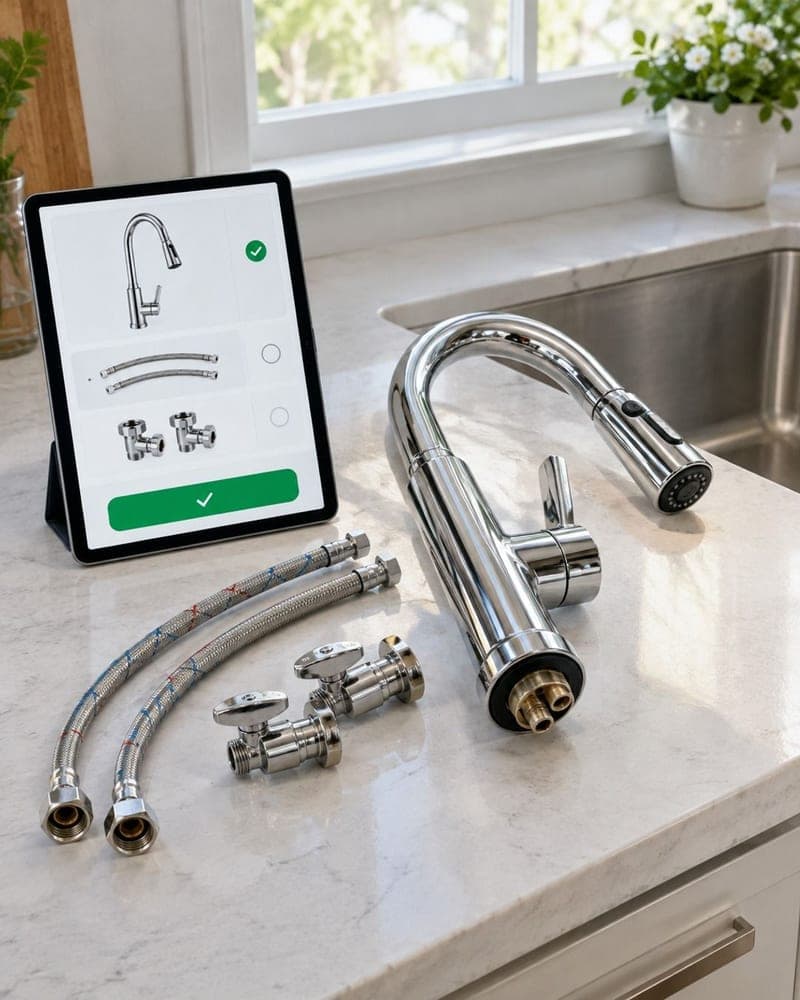
Website preview · Oct 12, 2026
Could you keep your job expenses up to date without spending your evenings on bookkeeping?

Website preview · Oct 7, 2026
Who checks your payroll details before payday when you’re busy running the business?

Website preview · Oct 12, 2026
When you review a post about your process, check for prerequisites: what does the customer have to do before that first step actually happens?

Our own channel · Oct 11, 2026
Software that runs your social media.
Our product film · Oct 13, 2026
A published post from Courtney Coaches Wellness, posts from our own channel and our product film. Website previews were made from each business’s own site. They are not customer posts.
Compare the cost and the work involved.
| boomp.net Core | Agency example | In-house hire | |
|---|---|---|---|
| Monthly cost | $39 | $3,150+ | $6,230 |
| Setup | Add website + connect accounts | Brief + onboarding | Hiring + onboarding |
| Your ongoing work | Review or auto-approve | Agree content + give feedback | Brief + manage the role |
| Commitment | Cancel anytime | Contract terms vary | Employment terms |
These options cover different work. Core plan, billed monthly. Agency example: WebFX starting price. Employee benchmark: US PR specialist median salary ($74,750/year, May 2025), divided by 12 and rounded. Benefits and ad spend are extra.
A fresh batch every month, with the writing, visuals and publishing handled. Each plan covers one brand.
A regular set of posts, scheduled and published for you.
$39
per month, billed monthly
Get started with Core Try 10 free posts firstMore carousels and videos, with custom-post requests.
$79
per month, billed monthly
Get started with Pro Try 10 free posts first100 posts a month across images, carousels and videos.
$199
per month, billed monthly
Get started with Max Try 10 free posts firstNo contracts. Cancel anytime. You approve each post before it goes live, unless you turn on automatic approval.
Just need the posts? Packs · $9/month
Want us to handle the review? Done for you · $275/month
Running social for several brands? See agency plans
Get 10 finished posts: 6 image posts, 2 branded tips, a carousel and a short video. Add your website, then your email. We send you a link. The posts are yours to keep. No account or card.
Your website and brand voice give us the starting point. The free posts let you judge the writing and images for yourself. On a publishing plan, you can edit posts before they go out.
On publishing plans, each post waits for your approval. You can edit, skip or approve posts. To let posts go out without your review, turn on automatic approval in Settings. The done-for-you plan includes Kathleen's review.
Core, Pro and Max include publishing to supported accounts. Connect your accounts and choose the destinations. Formats vary by channel. Google Business Profile takes one image and text. TikTok and YouTube take video.
Packs gives you 10 image posts and captions each month. Download them and publish them yourself. You do not need to connect social accounts.
It handles your social content. Publishing plans also schedule and post it for you. You still decide what your business offers and handle the rest of your marketing.
You authorize access on the social network's permission screen. You do not enter your social password in a boomp.net form. Review the permissions before you connect. Our Privacy Policy explains what data we collect and which services we use.
Each is free and made from your own website.
Get 10 finished posts from your website, with captions and visuals ready to use. They’re yours to keep.
Add your website, then your email. No account or card.
Log in




A month of posts.Less work for you.
Doing it yourself
With boomp.net
Core, Pro and Max include publishing. Review posts first, or turn on automatic approval.