Start with the episode.
The source is your show. Quotes keep the speaker and the meaning attached.
Upload to YouTube. We’ll take it from there.
See example posts ↗A first look at the creator side of Boomp.
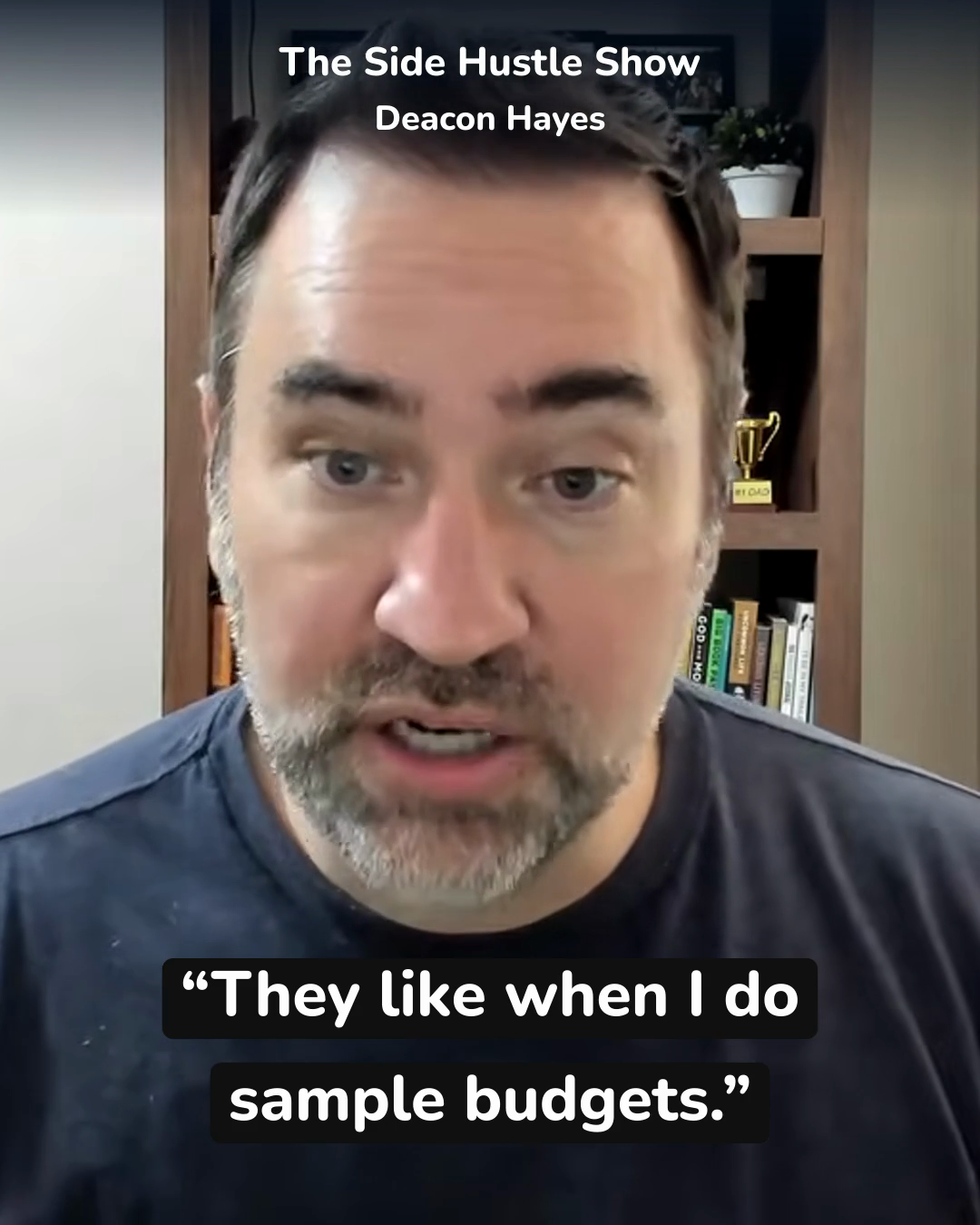
ONE QUOTE. THREE WAYS TO SHARE.
Made from what you already publish
The source is your show. Quotes keep the speaker and the meaning attached.
Short, silent footage of the guest gives the quote movement. No stock stand-ins.
Use a vertical video, a feed video, or a matching static. The caption points people to the episode link in your bio.
See what your episode becomes
Explore seven quote sets from Deacon Hayes on The Side Hustle Show. Play the videos, compare the formats, and copy a caption.
Explore the example studio ↗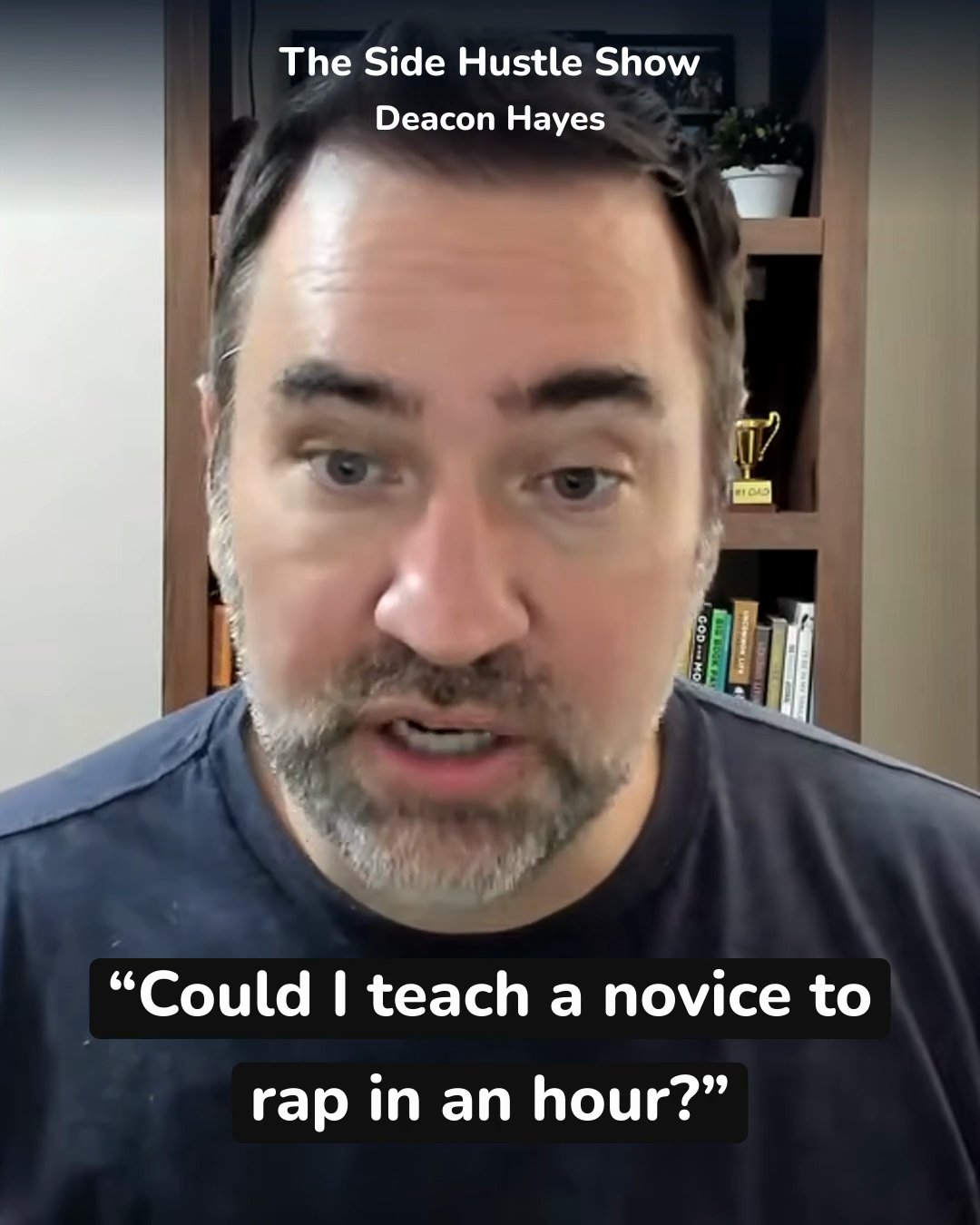
For your weekly show
Upload to YouTube. Boomp turns each episode into social content for your connected channels.
$99/month
Up to five episodes per month.
Coming soon. Explore the preview today.
No. They use a short, silent section from the same episode. The quote sits over clean footage of the guest.
The target is ten strong quotes, with three assets for each. A weaker episode should produce fewer quotes, not filler.
No. Downloads give you files and captions. They do not post to your accounts or change your bio link.
The weekly-show plan will be $99 per month for up to five episodes. This is a product preview; signup is not open yet.
Product preview. Sample guests and shows have not endorsed Boomp.