A new client has questions before they ever lie down on your treatment bed. Which door do I use? What do I book? Can I say that I’d like a quiet appointment? Those questions can fill a week of esthetician posts. You can take all seven photos between appointments, with the room to yourself.
These are sample captions for an example studio. Before you post, replace the directions, service names, and booking details with yours.
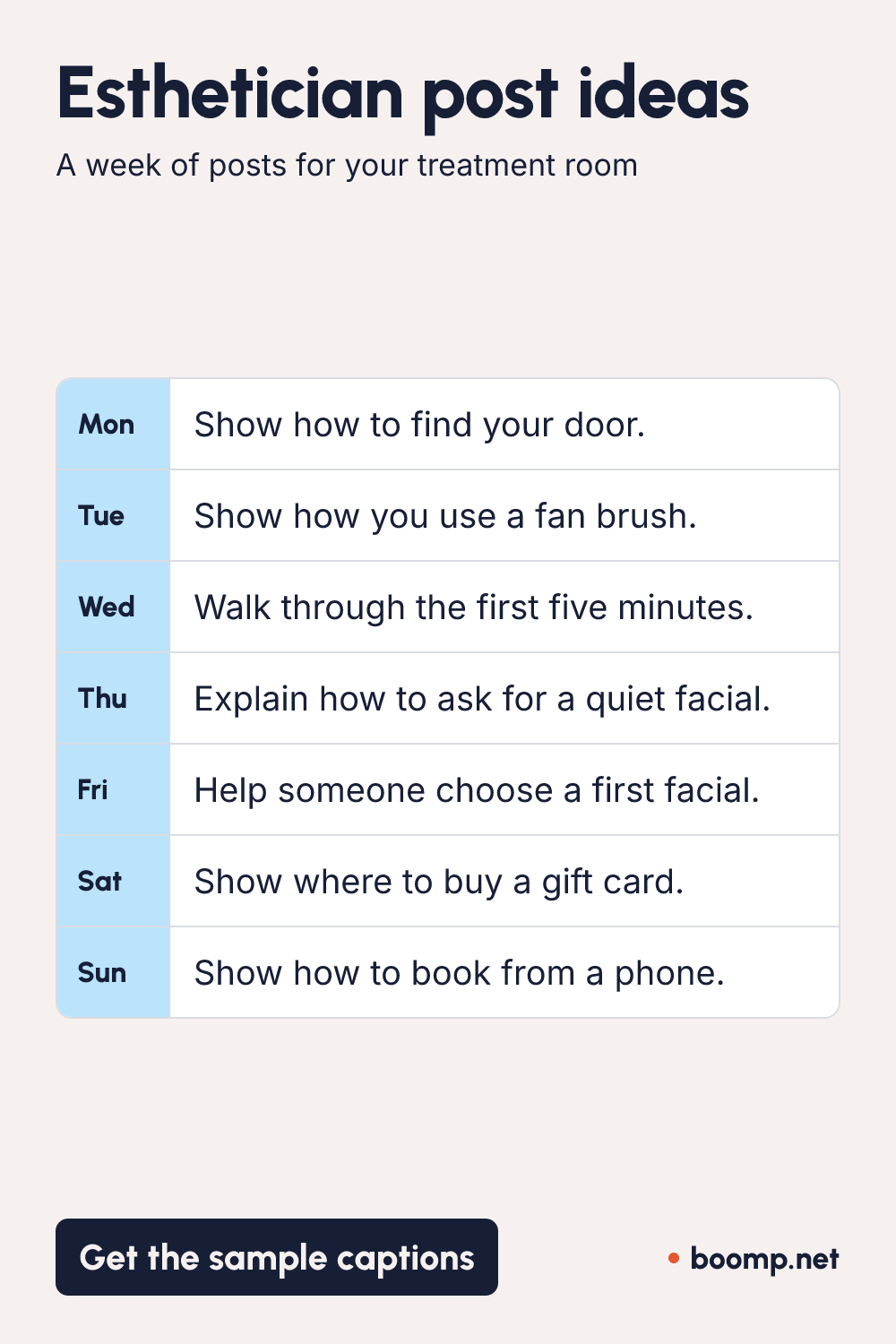
Monday. Show how to find your door.
Photo: Stand where a first-time client would park. Frame the landmark they will see before they can read your sign.
Sample caption: “See the courtyard with the blue bench? Come through the gate and take the first door on your left. Here’s the view from the parking lot so you can find me on your first visit.”
Tuesday. Show how you use a fan brush.
Photo: Lay a folded fan brush beside a small mask bowl. Take a close-up so people can see the shape of the bristles.
Sample caption: “This little fan brush is how I apply a mask. The wide edge covers your cheeks, and the narrow corner fits beside your nose. It’s the soft sweep you feel when your eyes are closed.”
Wednesday. Walk through the first five minutes.
Photo: Show the chair where you and your client sit before the appointment. Keep completed forms and appointment screens out of the frame.
Sample caption: “When you arrive for your first facial, we start in these two chairs. I’ll ask what brought you in and what you’d like from today. Then I’ll talk you through the appointment before we get started.”
Thursday. Explain how to ask for a quiet facial.
Photo: Set a small card on the treatment bed with the question “Can I have a quiet facial?”
Sample caption: “Yes, you can ask for a quiet facial. Tell me when you arrive, or put ‘quiet appointment’ in your booking notes. I’ll still check in when I need to, and you can speak up any time.”
Friday. Help someone choose a first facial.
Photo: Frame the two relevant lines on your service menu. Include the time each appointment takes.
Sample caption: “Choosing between the First Visit Facial and the Express Facial? Book the first visit if you’d like time to talk through your routine with me. The express appointment is the shorter one for returning clients.”
Saturday. Show where to buy a gift card.
Photo: Show a blank gift card and its envelope. For digital cards, show the gift option on your booking page.
Sample caption: “Buying a facial for someone else? Choose ‘Gift cards’ on my booking page and pick an amount. They can choose their own appointment when they’re ready.”
Sunday. Show how to book from a phone.
Photo: Capture the booking screen just before the service list opens. Use the public client view so no names or appointments appear.
Sample caption: “For your first visit, tap ‘Book’ on my profile, then ‘First Visit Facial.’ You’ll see the length, price, and available times together. Pick the time that works for you.”
If you only have time for one post this week, use the question your last new client asked. Take the photo that would have answered it. Want more posts based on your own treatments and booking details? Use the free preview below with your studio’s website.